The Legal Pages Generator helps bloggers to quickly and automatically generate Disclaimer, Privacy Policy and Terms & Conditions Pages for WordPress blogs/websites.
How to use it:
1. Install and enable the Legal Pages Generator from the Add Plugins page.
2. Go to the plugin settings page and fill out the company info form:
- Company Name
- Contact Person Name
- Mobile No.
- Address
- Services
- Your site act as
- Designation

3. Click the Save info & generate page and done.
4. You will find all the generated legal pages under the Manage Pages page.
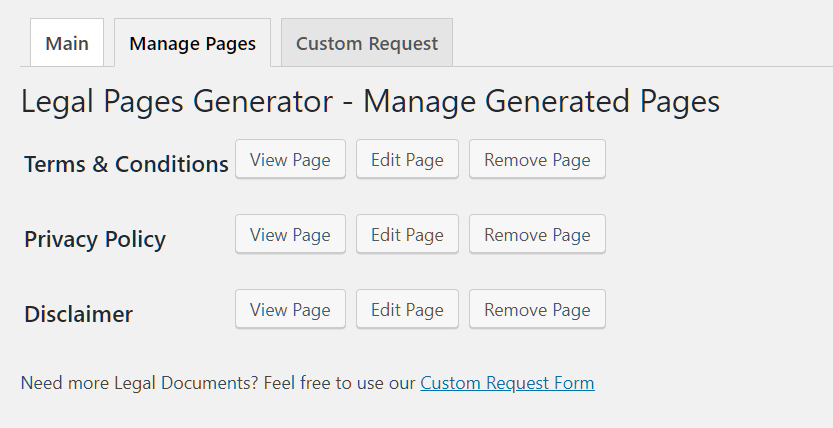
5. Note: If you have previously generated legal pages using this tool, the content of the generated pages will be updated using your company info and the default page templates.
Download WordPress Plugin:
You can download this free WordPress plugin using the download button below. Unless otherwise stated, the WordPress plugin is available under GNU General Public License.
Author: Moulik Sheth
Homepage: https://wordpress.org/plugins/legal-page-generator/
Don’t forget to share this WordPress plugin and also check out other awesome plugins on our site.